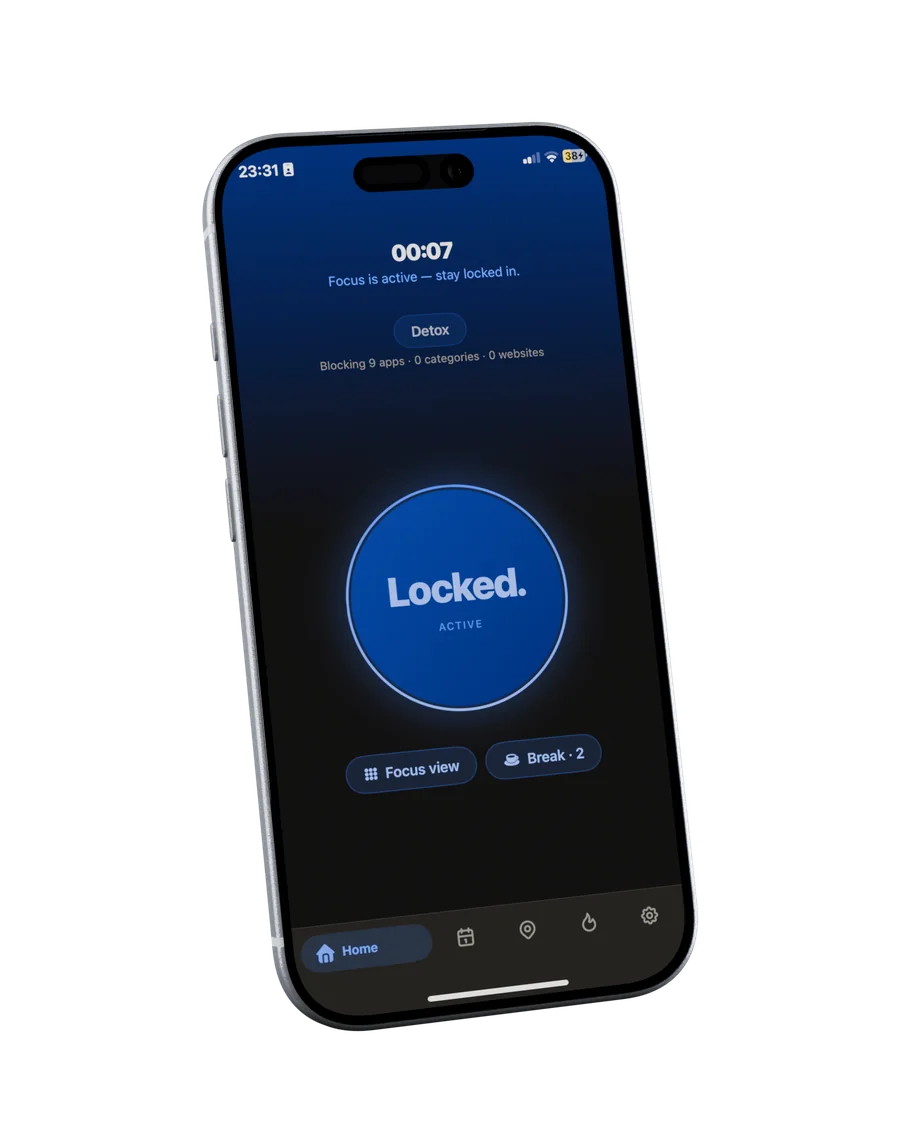
Home
Tap. You're locked in.
Hold your iPhone to the Tag and the session starts: distracting apps pause, Do Not Disturb turns on, the timer begins. Home shows the one state that matters: locked.
A small Tag on your desk. Tap your iPhone to start a focus session: distracting apps pause, Do Not Disturb turns on, and the timer begins. Tap again when you are done.
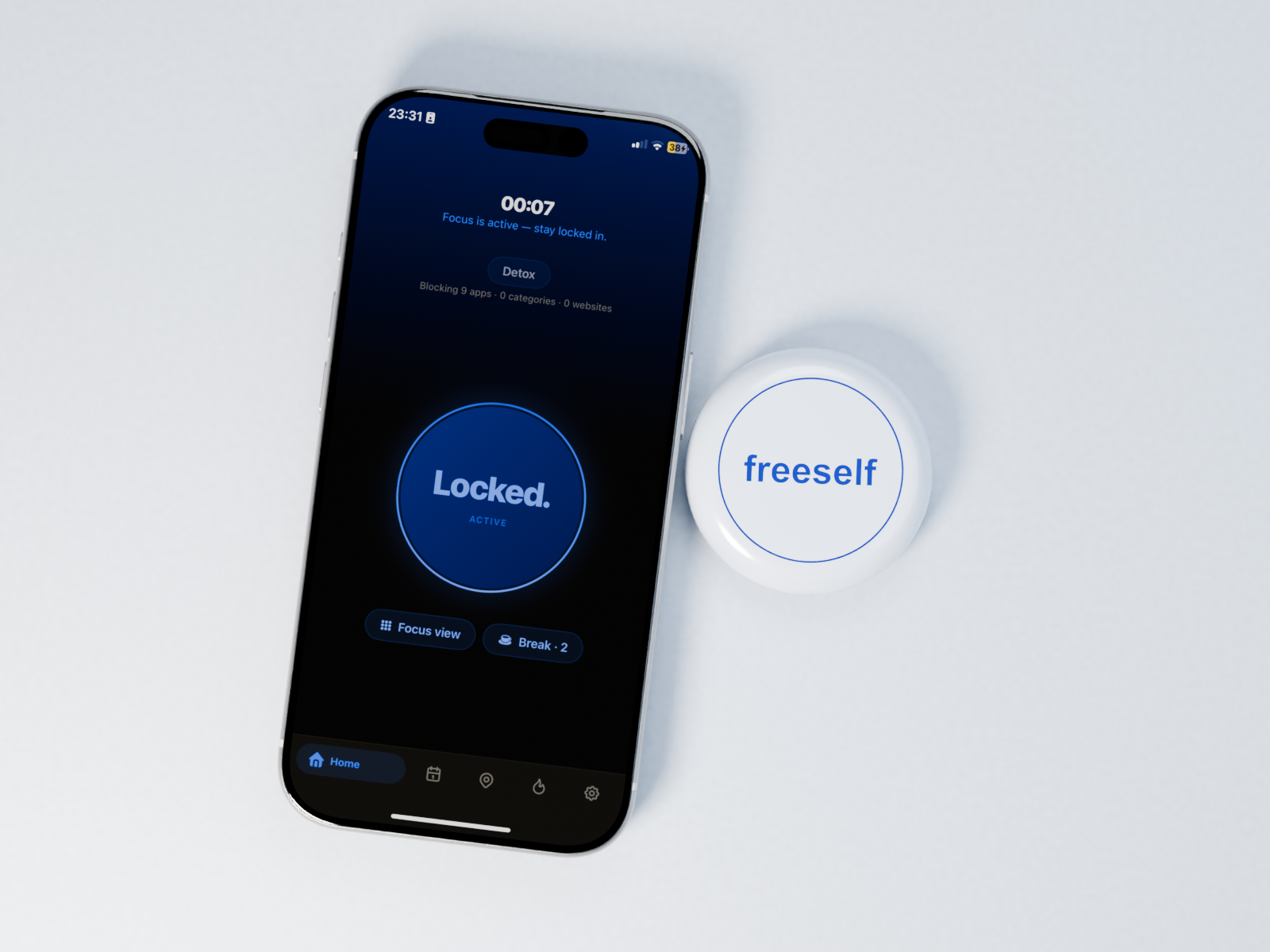
Give yourself a chance. Try it. 30-day returns, with the free app included.
Shop nowScroll through the app. Every view has one job: protect your focus.
Hold your iPhone to the Tag and the session starts: distracting apps pause, Do Not Disturb turns on, the timer begins. Home shows the one state that matters: locked.
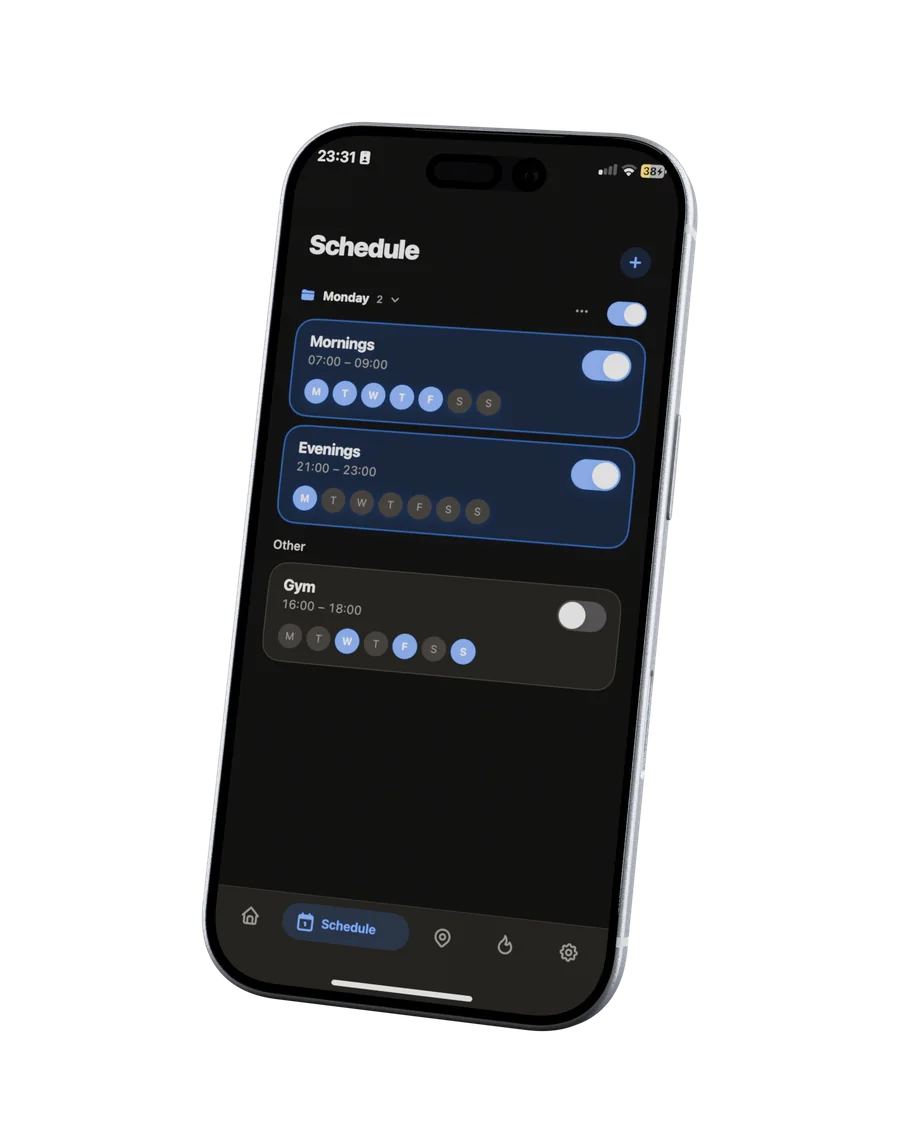
Create schedules for the routines you want to protect: study blocks, work windows, evenings. Duplicate a schedule to reuse it, and freeself starts the right mode on time.
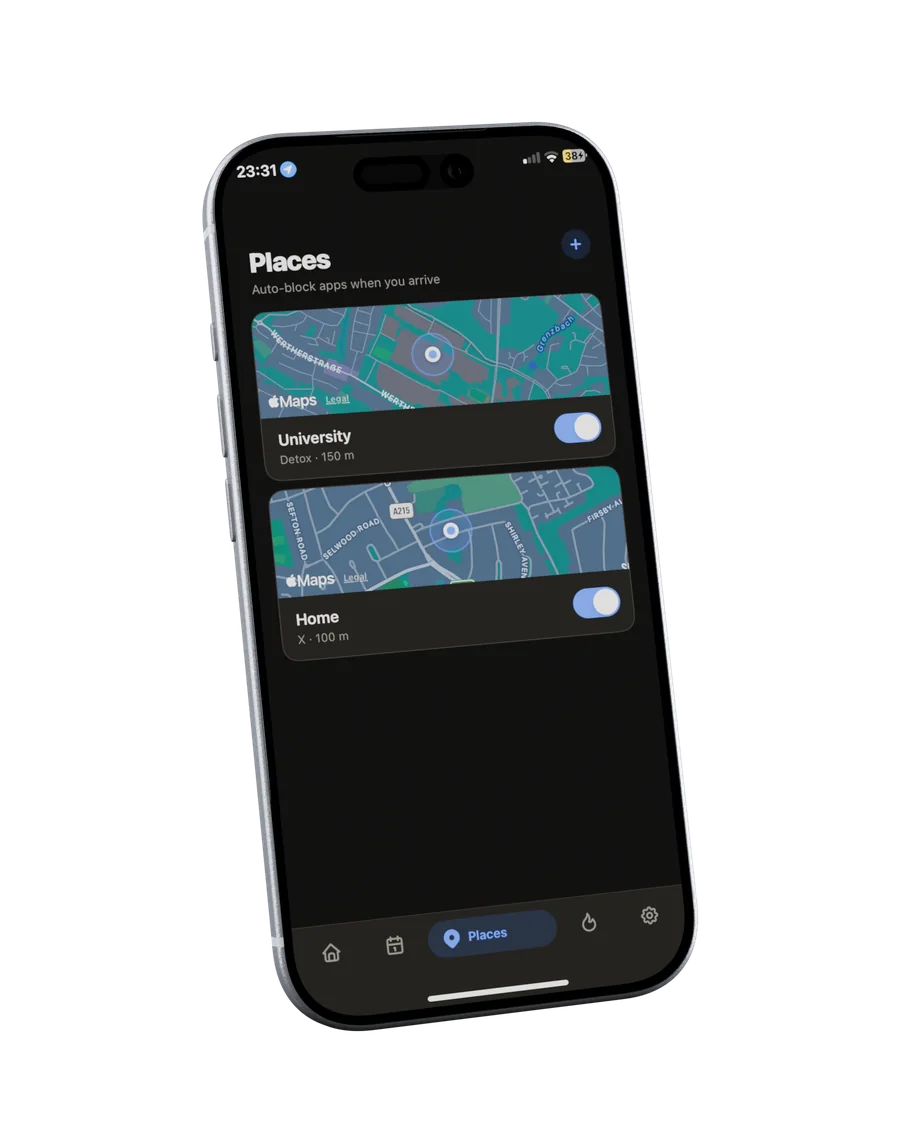
Save the places where focus matters: the library, your desk, the office. freeself prepares the right boundary when you arrive.
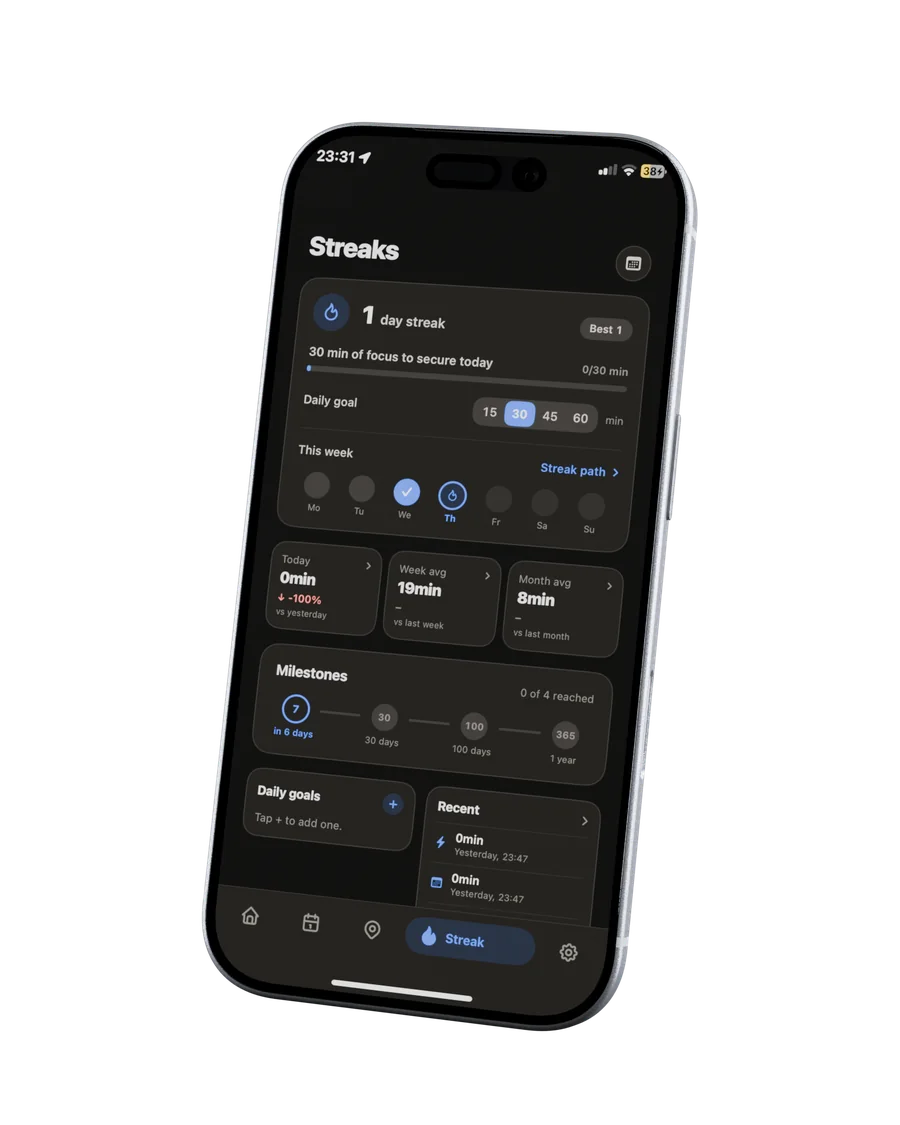
Streaks and calm statistics show the days you followed through. Progress you can feel, without turning focus into another feed.
Start on your iPhone and distractions stay blocked across your devices. No “I’ll just use my laptop” loophole.
Most tools live entirely on the device. freeself moves the decisive action into the room: start with the Tag and return to it when you are ready to stop.
Apple App Limits can be strengthened with a Screen Time passcode. Third-party blocker behavior varies by product, platform and configuration. This comparison describes interaction models, not measured performance.
Lock in for a study block. Your phone stays out of the way until you choose to finish.
A standing focus session for the work that actually matters.
Put the table first. Stay with the people who are already there.
A quiet nightly ritual that ends the scroll before bed.
“Real customer quote goes here after approval.”
“Real customer quote goes here after approval.”
“Real customer quote goes here after approval.”
A small object on my desk turned out to be the boundary I had been missing. Designed and crafted in Germany, for anyone who wants their attention back.
Read my story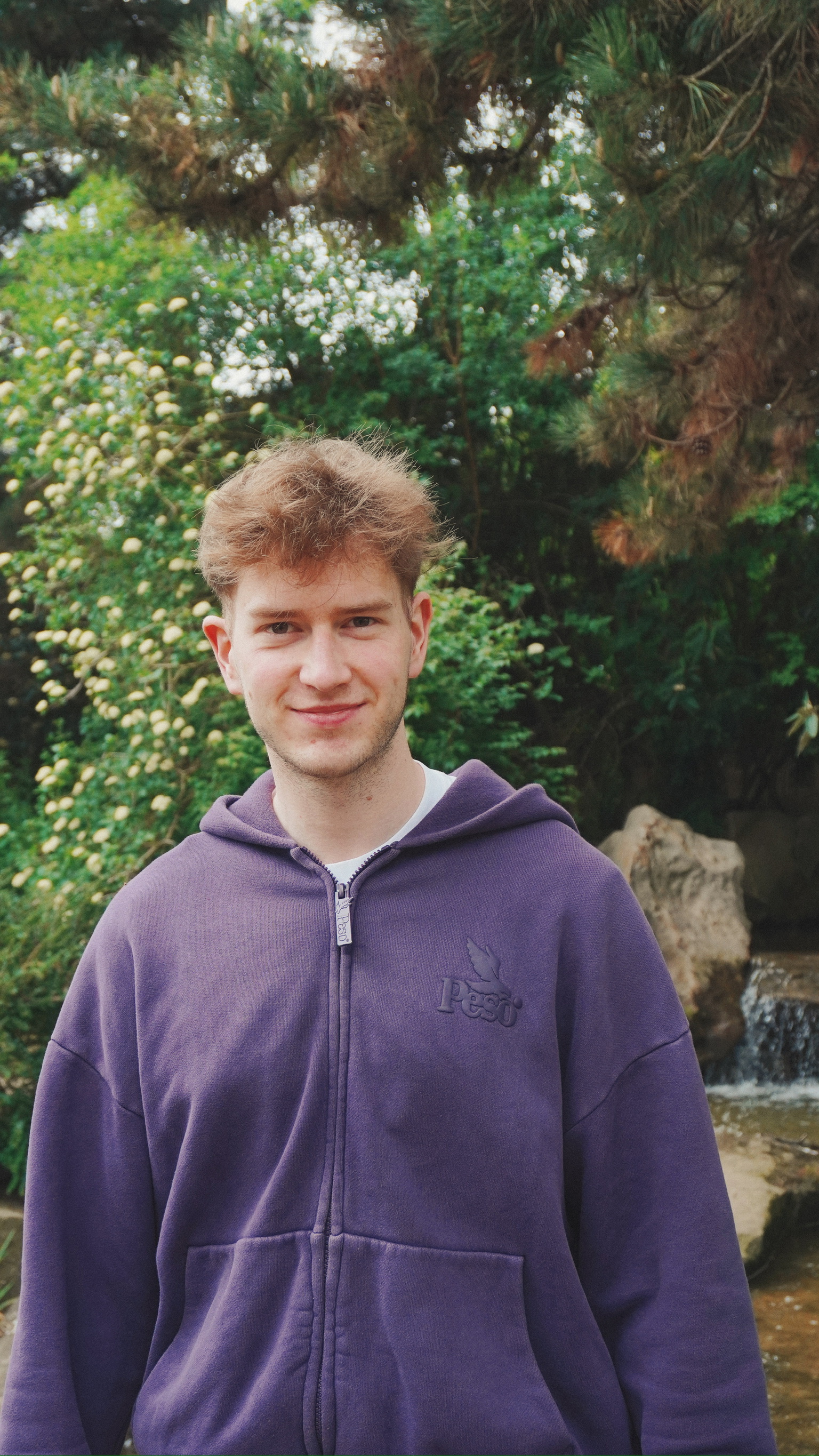
freeself is a small physical Tag you keep on your desk. Tap your iPhone to start a focus session and tap again to end it. It works with the free app to turn focus into a repeatable system.
Tap your iPhone to the Tag to begin: distracting apps pause, Do Not Disturb turns on, and a timer starts. Tap again to finish. Ending the session is a deliberate physical act, not another swipe.
freeself launches for compatible iPhones. Android support is in active development. We will publish the final compatibility list before shipping.
No. freeself is a one-time purchase: the Tag plus the app with every feature included. There is no subscription.
Start a session with your iPhone and the free companion apps carry that focus state to your other supported devices, including your Mac.
Shipping timing will be announced before orders open. We will not take payment until the production timeline is confirmed.
freeself is designed and crafted in Germany.