Open the download
Click Download for macOS above, then open the downloaded freeself.dmg.
The freeself Mac app extends your focus sessions to your computer. Start with your Tag and distracting apps stay blocked across your devices.
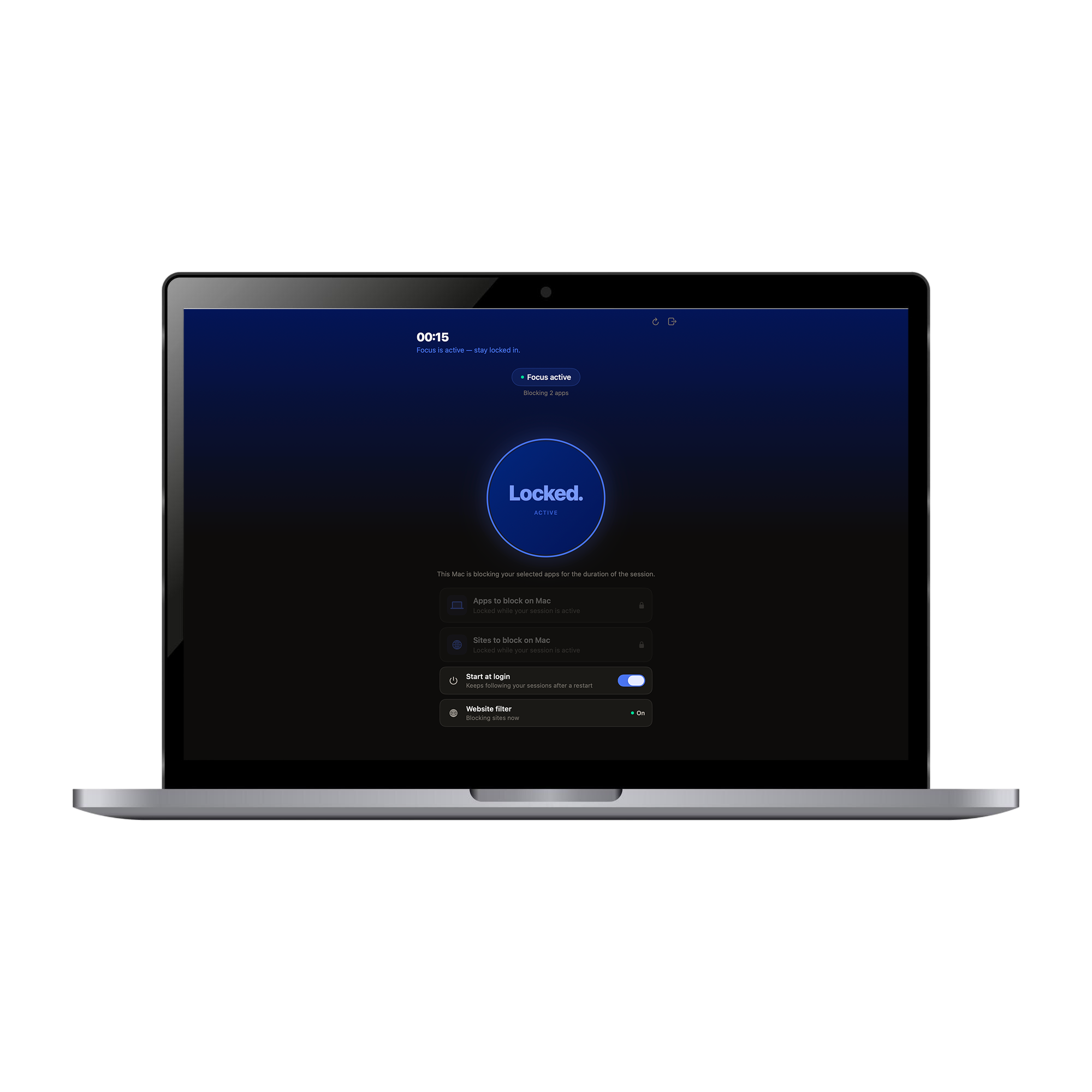
The Mac companion carries your active freeself session onto the screen where work actually happens.
Click Download for macOS above, then open the downloaded freeself.dmg.
Drag the freeself app into your Applications folder.
Open freeself from Applications and sign in with the same email you use on your iPhone.
Open System Settings → Privacy & Security, scroll down and click Open Anyway next to freeself. On older macOS versions, right-click the app and choose Open.
You only need to do this once. This step disappears once the app is notarized by Apple.